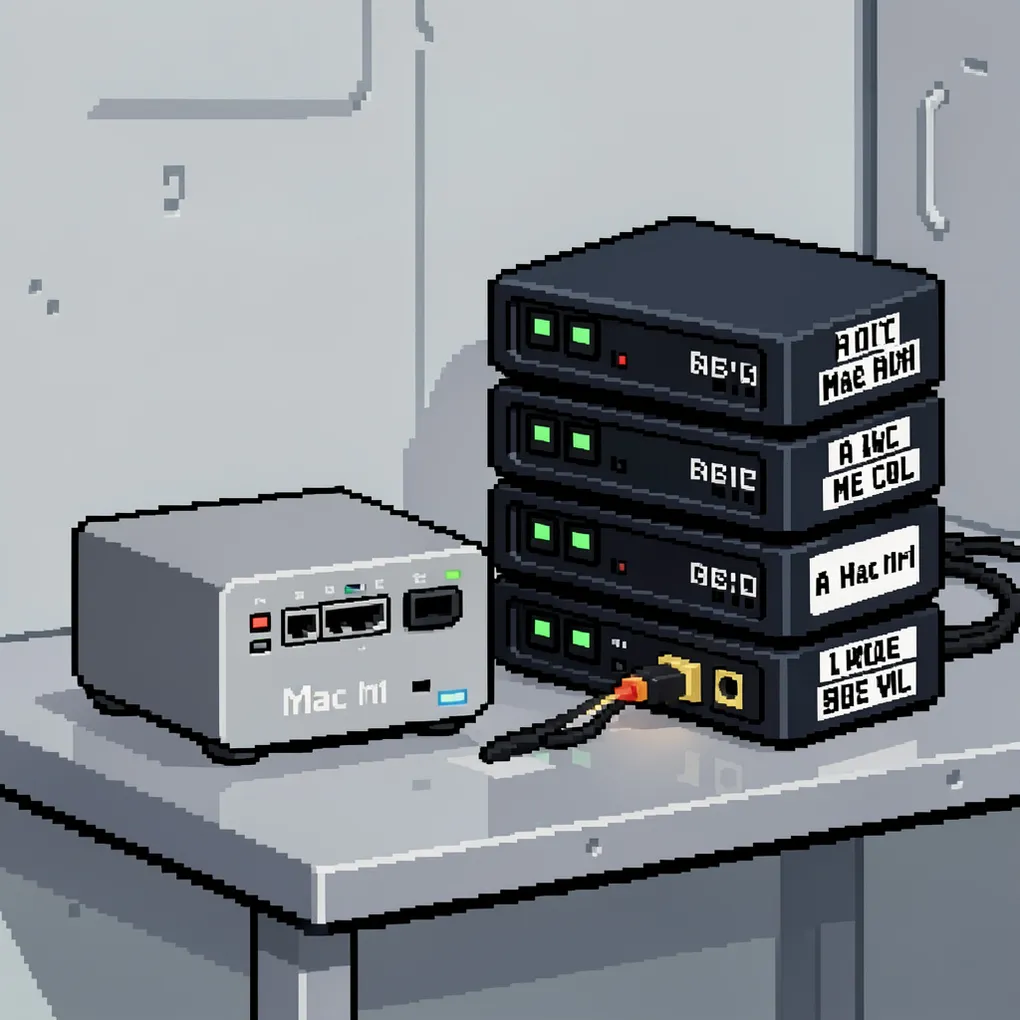
Most people run AI agents on their primary machine. The same laptop they use for email, Slack, their production codebase, and everything else that matters. This works until it doesn’t — an agent burns through your CPU during a client call, a rogue experiment writes to the wrong directory, or you close your lid and kill a three-hour task that was 90% done.
A $600 Mac Mini fixes all of it.
Why a dedicated machine
The core argument is isolation. When your agent runs on a separate box, your experiments can’t touch your real data. Your daily driver stays fast. Your agent can run overnight without you babying it.
This matters more than people think. The best agent workflows are long-running. You kick off a spec, the agent implements it, runs tests, corrects itself, runs tests again — the whole loop plays out over minutes or hours. That loop shouldn’t be competing with your browser tabs for memory, and it shouldn’t die because you put your laptop to sleep.
A dedicated machine also gives you persistent context. Your specs, your AGENTS.md files, your project repos — they all live on a machine purpose-built for agents. The agent server always has what it needs. No re-cloning repos, no re-explaining context. This is the same “passive context beats active retrieval” principle from the AGENTS.md research — except now the entire machine is the context.
Why a Mac Mini specifically
Apple Silicon isn’t just good for agents. It’s architecturally suited for them in ways that discrete GPU systems aren’t.
Unified memory. This is the big one. On a traditional machine with a discrete GPU, model parameters have to be copied between CPU RAM and GPU VRAM over the PCIe bus. On Apple Silicon, the CPU, GPU, and Neural Engine share a single high-bandwidth, low-latency memory pool. Model parameters and context are already where every processor needs them — no transfer overhead, no bottleneck.
Neural Engine. The M4’s Neural Engine does 38 TOPS (trillion operations per second). It’s purpose-built for the matrix math that ML inference runs on. You’re not borrowing GPU cycles from your display pipeline — the Neural Engine is dedicated compute for exactly this workload.
UNIX foundation. macOS is BSD under the hood. It’s stable running 24/7, it has first-class SSH support, and the entire Homebrew ecosystem works out of the box. No driver issues, no CUDA dependency hell, no fighting with WSL.
Price. The M4 Mac Mini starts at $499 with 16GB of unified memory. Try building a comparable Windows machine with a discrete GPU, 16GB of system RAM, and equivalent ML inference performance at that price. You can’t. And the Mac Mini draws roughly 5 watts at idle — it costs almost nothing to leave on.
Compare this to renting cloud GPU time at $2–4/hour. A Mac Mini pays for itself in a few months and then runs free.
The cloud option
If you don’t want to own hardware, Scaleway now offers Mac Mini M4 instances in the cloud. Hourly pricing for experimentation, European data sovereignty, remote console access. You get the same Apple Silicon advantages without a box on your desk.
There’s also the Clawdbot model — a local AI gateway that connects LLMs like Claude, Gemini, and GPT to desktop software like Telegram, iMessage, and Excel. Self-hosted infrastructure rather than a cloud service. The Mac Mini is the natural hardware for this kind of always-on personal AI hub.
Architecture: hybrid local + cloud
The smart play isn’t running everything locally or everything in the cloud. It’s using the Mac Mini as an orchestration layer.
Run small models locally with Ollama or llama.cpp — fast inference, no API costs, no rate limits. Route larger requests to cloud APIs when you need frontier model capability. The Mac Mini sits in the middle, managing context, running the loop, and keeping state between sessions.
This matters for cost. MCP protocol orchestration generates a lot of back-and-forth between the model and the tools. When that orchestration runs on-device, you’re not paying per-token for every intermediate step. The expensive cloud calls are reserved for the actual heavy reasoning.
And because of unified memory, the local models run efficiently. Parameters aren’t bouncing between CPU and GPU — they’re already in shared memory. A 7B parameter model on a Mac Mini with 16GB of unified memory runs comfortably with room to spare.
Practical setup
This isn’t a full tutorial, but here’s enough to get started:
Go headless. In System Settings, enable Remote Login (SSH) and Screen Sharing. You don’t need a monitor connected — macOS runs fine headless. Set it to auto-boot on power restore so it comes back up after outages.
Install your tools. SSH in and set up:
# Package manager
/bin/bash -c "$(curl -fsSL https://raw.githubusercontent.com/Homebrew/install/HEAD/install.sh)"

# Local models
brew install ollama

# Agent tooling
brew install node
npm install -g @anthropic-ai/claude-code

# Persistent sessions
brew install tmux
Set up your projects. Clone your repos. Write your specs. Put AGENTS.md files at the root of each project with the context the agent needs — behaviors, conventions, constraints. The agent server should be ready to work the moment you SSH in.
Use tmux for persistence. Start a tmux session, kick off your agent, detach, close your laptop. The agent keeps running. Reattach hours later and check the results. This is the entire point — the loop runs without you.
Security considerations
The whole point of a dedicated machine is isolation, so treat it that way. Don’t put credentials for production systems on this box. Don’t give it SSH keys to your deployment infrastructure. Don’t store customer data on it.
Think of it as a sandbox with good hardware. The agent can do anything it needs for development and experimentation. It can run tests, build projects, hit staging APIs, pull documentation. Frame the boundaries in terms of what it has access to, not what it’s forbidden from touching — positive framing produces better compliance from both humans and models.
If a project needs production credentials, those get injected at deploy time through your CI pipeline, not stored on the agent server.
The next step
You’ve got specs describing what to build. You’ve got AGENTS.md giving your agents persistent context. You’ve got good prompts and behavioral rules shaping how the agent works. The dedicated agent server is where all of that comes together — a machine where the loop runs without interrupting your flow.
It’s not a luxury setup. It’s a $600 machine that pays for itself in recovered focus time within the first week.